
Your online orders print themselves
OrderPrint watches the inbox your order emails arrive in and prints every new order to a thermal receipt printer - on any Android phone, with no computer and no cloud printing service. Free for your first 100 orders a month.

Works with WooCommerce, Shopify and Wix - and any platform that emails you an order.
Orders arrive as email. Kitchens don't read email.
A new order lands in your inbox. Someone has to notice it, open it, read it off a screen, and remember it - in the middle of service, with their hands full.
The usual fixes are worse than the problem. A cloud receipt printer costs more than the till it sits next to. A PC left running in the corner is one Windows update away from a silent morning. Both need somebody to look after them. There is a fuller comparison of all four ways to get orders onto paper, including where those two win.
OrderPrint does one thing instead: it watches the inbox and puts the order on paper.
Three things to set up, once
1. Connect your order inbox
Your email address and an app password. No plugin on your website, nothing to change in your shop.
2. Choose your printer
Bluetooth or network, 58mm or 80mm. A test print tells you it works before service does.
3. Leave the phone by the till
Every new order prints within seconds. There is no account to create and nothing to install on your website.
See it happen
An order placed on a WooCommerce shop, received, and printed to three printers.
If your shop emails you an order, OrderPrint can print it
WooCommerce
Including WooCommerce Food menus, add-ons, and collection or delivery times.
Shopify
The staff order notification, read down to the delivery method, the totals and the shipping address.
Wix
Wix Stores order emails - items, totals, and whether the order has already been paid.
Anything else
Any other platform that emails you an order gets printed too.
OrderPrint reads the order emails you already receive, so it works with the shop you already have.
Everything it does
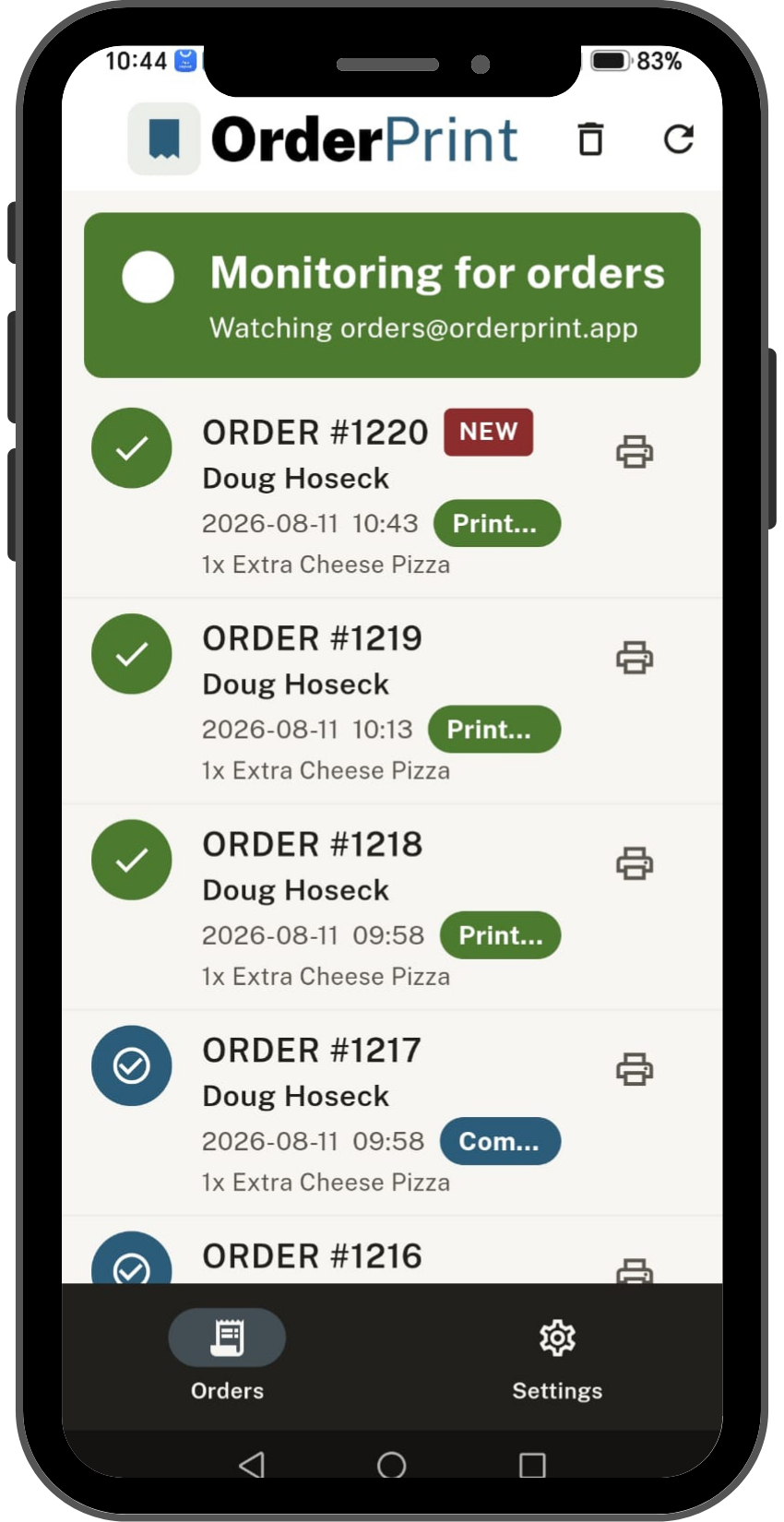
Gets the order
- Watches any mailbox - Gmail, Outlook, Yahoo, your own domain
- Checks constantly, so a ticket prints within seconds
- Reads items, quantities, options, notes and totals - laid out as a kitchen ticket, not a wall of email
- Understands collection, delivery and dine-in, with the requested date and time
- Keeps a running list of recent orders (last 100)
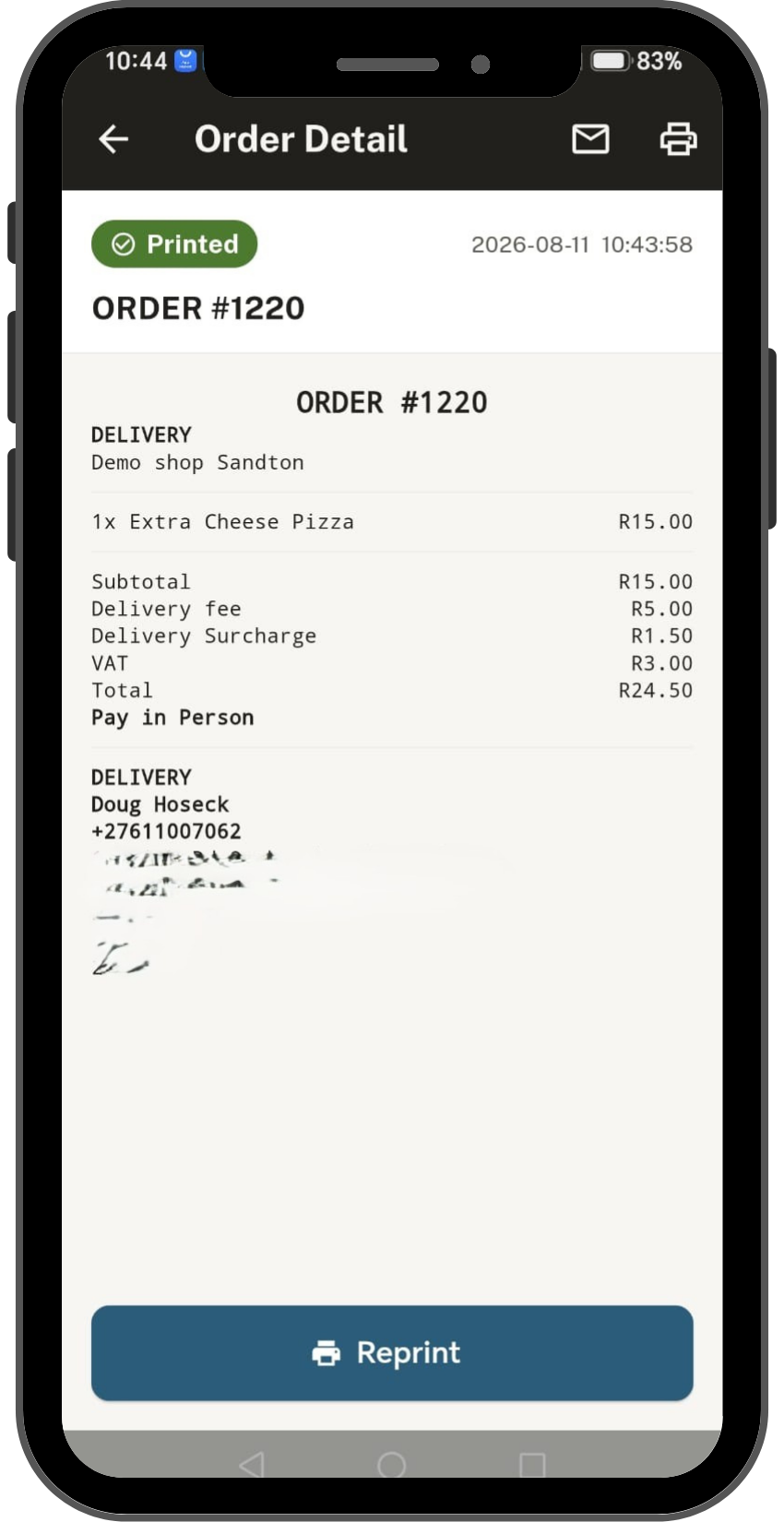
Puts it on paper
- Bluetooth and network thermal printers, 58mm and 80mm
- Prints to several printers at once - kitchen and counter - on any paid plan
- Reprint any recent order with one tap
- Test print while you are setting up, so you know before service
- Prints currency symbols correctly, including £ and €
- Prints in English, Español, Français or Português - whichever the app is set to

Tells you when something's wrong
- A status card that is never green unless orders are actually printing
- Says which thing is wrong - the email sign-in, the connection, the printer, the plan - not just "error"
- Alerts you when a ticket did not come out, so a missed order cannot go quiet
- Warns as you approach your monthly limit, and says when printing resumes
- Built-in help for the things that look like faults but aren't
You probably own most of this already
An Android phone
An old one is fine. It sits by the till, plugged in.
A thermal receipt printer
Bluetooth or network, 58mm or 80mm.
Your order email address
The mailbox your shop already sends orders to.
Free to start. Paid when it's earning its keep.
Free
- 100 orders a month
- One printer
- A small OrderPrint line at the bottom of each receipt
Paid - from $7 a month
- More orders a month
- No OrderPrint line on your receipts
- As many printers as you like
Prices are set by Google Play for your country and shown in the app. Subscriptions are billed by Google Play and you can cancel any time from there.
There is no OrderPrint server. That's the point.
Your email address, your password and your customers' orders never leave your phone. We don't have a server to send them to, so we couldn't read them if we wanted to.
No account to create. No analytics. No adverts. No tracking.
Questions
Is my email password safe?
It is stored in Android's encrypted storage on your phone, and it is used for one thing: signing in to your mailbox to read new orders. It is never sent to us - there is nowhere for it to go. Most providers also let you create an app password that only works for this one app and can be revoked whenever you like.
Do you see my orders or my customers' details?
No. Everything is read and printed on your phone. We have no server, no account system, and no way to see any of it.
Do I need a computer running?
No. The phone does everything. It needs internet - the same Wi-Fi your printer is on is fine.
Will it work with my printer?
If it is a thermal receipt printer that takes Bluetooth or network, which most do, then yes - 58mm and 80mm both. There is a test print during setup so you will know in the first five minutes.
What happens if an order doesn't print?
You get told. The app raises an alert naming the printer and the order, and the order stays in the list marked as not printed so you can print it again with one tap. Nothing is thrown away.
What if the phone restarts, or the power goes?
Open OrderPrint and it picks up where it left off, including anything that arrived while it was off. Android stops background apps when a phone restarts, so it is worth a glance after a power cut.
What happens when I reach 100 orders on the free plan?
Printing pauses until the month resets, or until you upgrade. Orders keep arriving and are still saved and listed - you can print them the moment you have allowance again. Nothing is lost.
Can I run a kitchen printer and a counter printer?
Yes, on any paid plan. Every order prints to all of them at once.
Does it work with my shop platform?
WooCommerce, Shopify and Wix are handled specifically, and anything else that emails you an order will print too. If your emails are unusual, try the free plan first - you will know within a day.
Can I cancel?
Any time, from the Google Play Store. You keep the plan until the end of the period you have paid for.
Do I need a new phone?
No. An old Android phone is ideal - this is a good use for the one in your drawer.
Can I use OrderPrint in my language?
Yes - OrderPrint is available in English, Spanish, French and Portuguese, and everything follows it: the screens, the printed receipt and the notifications.
On Android 13 and newer you can set the app's language on its own, without changing the rest of the phone. On older versions it follows the phone's own language. Full instructions are on the support page.
Latest News
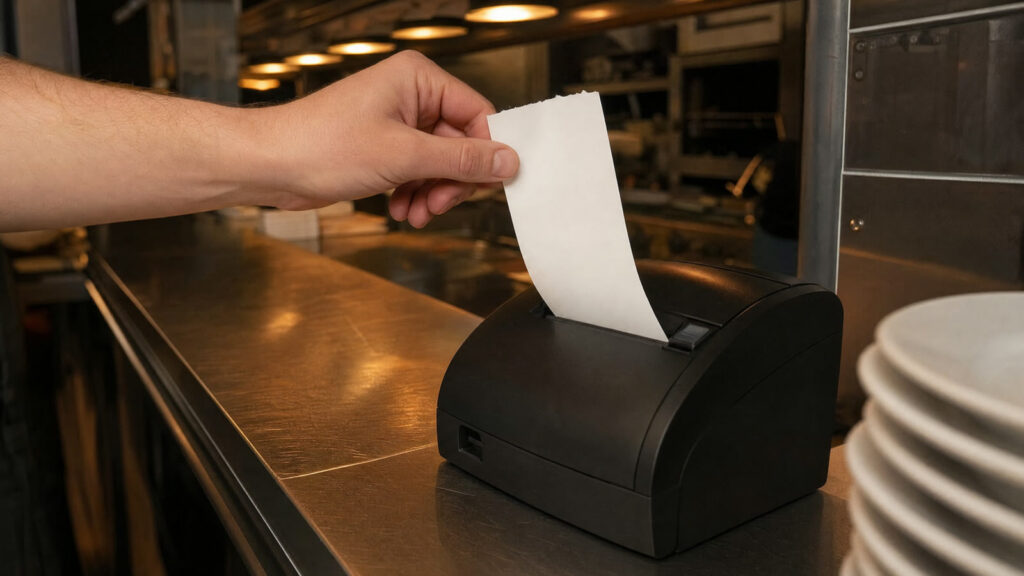
Receipt printer printing blank or faded? Start with the paper
No ink, only heat: why a thermal receipt comes out blank or grey. Paper the wrong way round, cheap rolls, a low battery, a dirty head, and how to tell which.

How to connect a Bluetooth receipt printer to an Android phone
Pair it in Android's settings first, then pick it in the app. The two kinds of Bluetooth, the PINs that work, and why a paired printer can still print nothing.
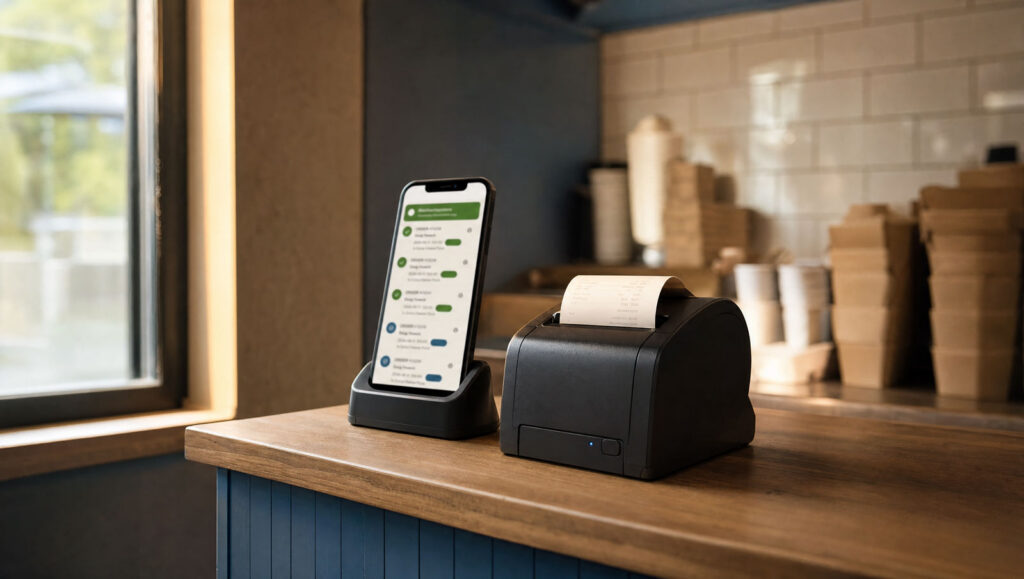
How to print WooCommerce orders automatically, from a phone
Print every WooCommerce order to a thermal printer without a computer: what automatic really requires, and the order-email details that catch people out.

Is it safe to give an app your email password?
What an app password actually grants, why where it is stored matters more than who stores it, and five questions to ask before you type one in.
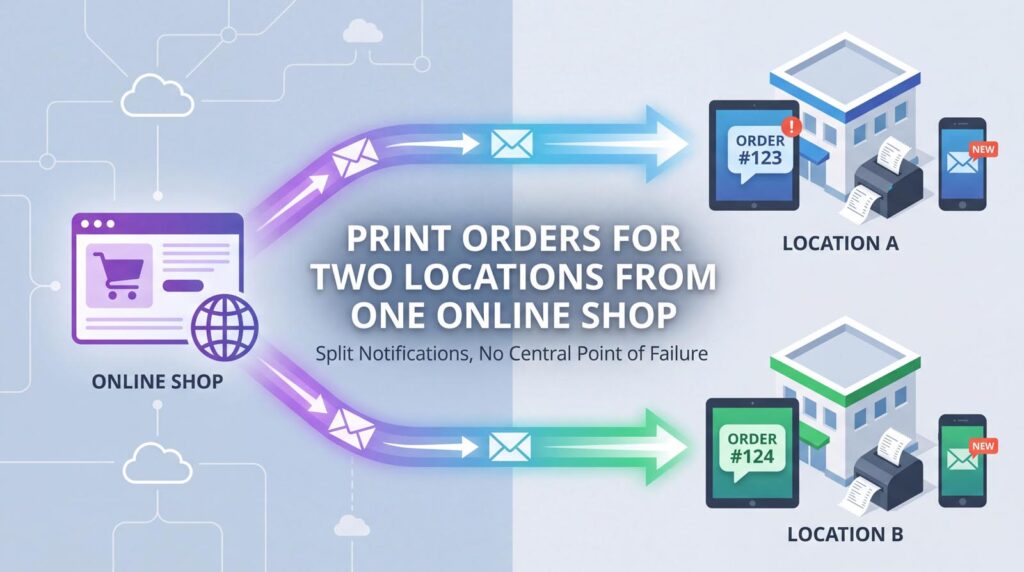
How to print orders for two locations from one online shop
Split the notifications in your shop rather than routing in the printer. One mailbox and one phone per branch, with nothing central to fail.
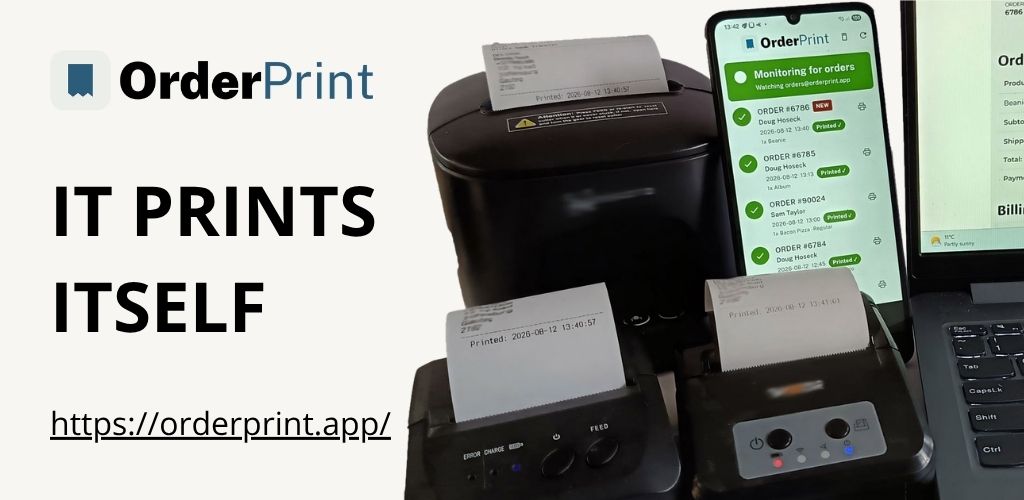
Why our order tickets print two times, not one
Every ticket shows when the order was placed and when it printed. The gap between them is the most useful diagnostic in the system.

When the kitchen printer stops and nobody notices
Paper, sleeping printers, battery managers and expired passwords. The ways order printing goes quiet, and why failing silently is worse than failing.
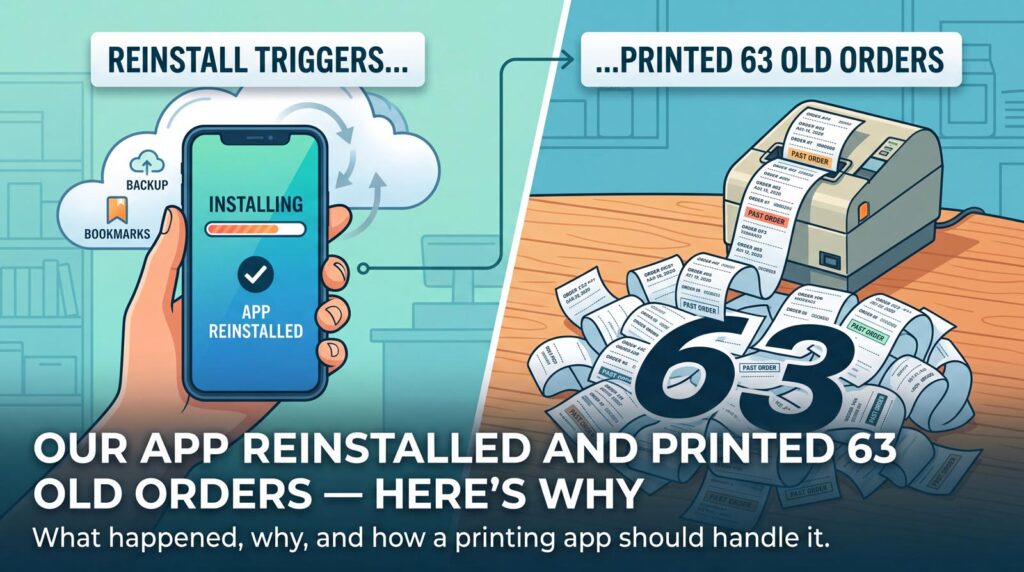
We reinstalled our app and it printed 63 old orders
An Android backup restored a bookmark onto a new phone and three weeks of orders printed themselves. What caused it, and what a printing app should do about it.
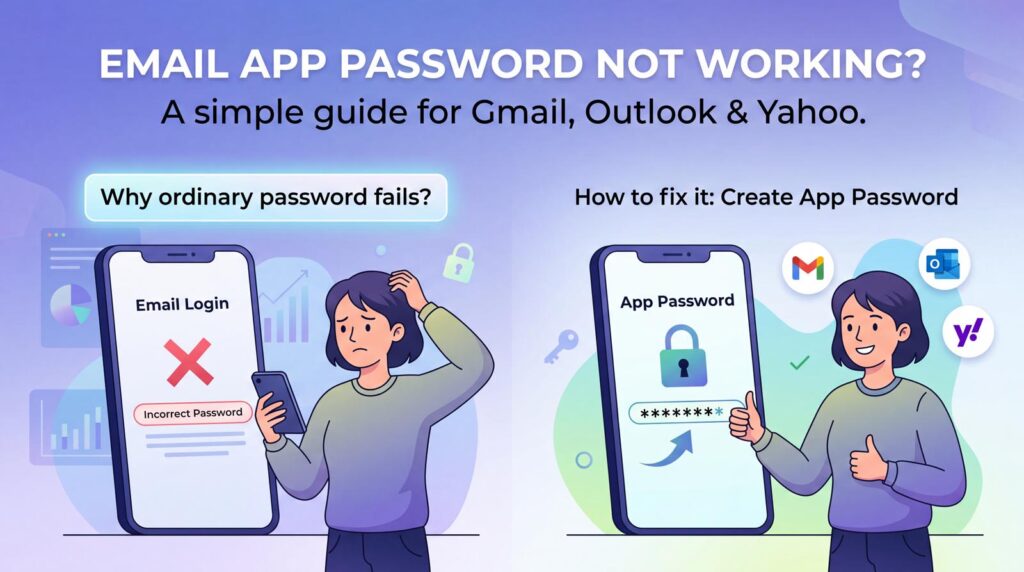
Why your email password will not work in an app (and how to fix it)
Your provider stopped letting apps sign in with your ordinary password. How to create an app password on Gmail, Outlook, Yahoo and your own domain.
Put the phone by the till and stop watching your inbox
Free for your first 100 orders a month. No account, no card, no computer.
OrderPrint is an independent app and is not affiliated with, endorsed by, or connected to Google, WooCommerce, Shopify or Wix.
Google Play and the Google Play logo are trademarks of Google LLC.