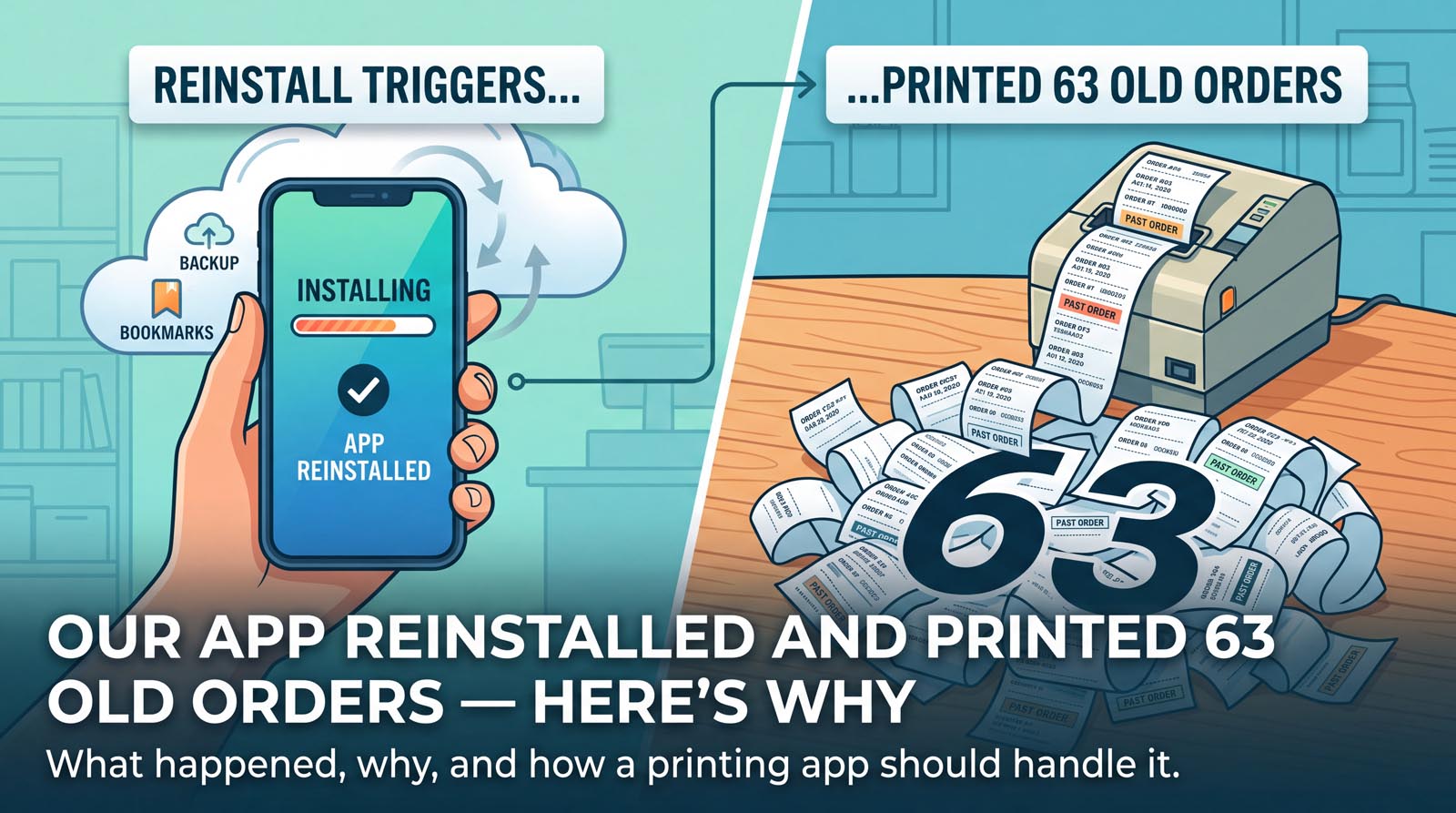
We had been testing our order-printing app on one phone for days. Everything worked. Then we installed it on a second phone, pointed it at the same mailbox, and watched it print sixty-three orders from the previous three weeks.
Every one printed perfectly. Every one was completely unwanted. It cost a roll of paper and, on a metered plan, it would have cost most of a month’s allowance before the shop had made a single sale.
The cause turned out to be a default setting in Android that almost nobody thinks about, and the fix taught us something more useful than the bug itself.
How an app avoids printing your whole mailbox
Any app that prints orders from email has to answer one question constantly: which of these messages have I already dealt with?
The answer is a bookmark. IMAP – the protocol apps use to read mail – gives every message in a mailbox a number called a UID, and those numbers only ever go up. So the app records the highest number it has seen, and on the next check it asks the server for anything higher. Everything below the bookmark is history and is left alone.
This is also how a fresh install avoids disaster. The first time the app connects, it does not print anything at all. It reads the current top of the mailbox, writes that down as its bookmark, and starts from there. Whatever was already sitting in the inbox – three weeks of orders, six months of newsletters – is deliberately skipped.
That behaviour is correct, and it is why our second phone should have printed nothing.
Android restored the bookmark from a backup
Android has a feature called Auto Backup. It quietly copies an app’s settings to your Google account, and when you install that app on a new phone, it restores them. For most apps this is a genuinely nice thing – your preferences follow you to a new handset.
The part that matters: it is on by default. An app developer who never thinks about it gets it anyway.
So our second phone did not start fresh. It restored the first phone’s settings, bookmark included. And that bookmark pointed at a position in a mailbox this phone had never actually read. The app looked at the number, looked at the mailbox, concluded that sixty-three messages had arrived since, and did exactly what it was built to do.
It was not a bug in the logic. The logic was fine. It was handed a fact that was no longer true.
Turning the backup off is not enough
The obvious fix is to stop backing up the bookmark, and that is the first thing we did. On modern Android that means declaring dataExtractionRules, not the older fullBackupContent that most search results still show you.
But fixing the cause you found is not the same as fixing the problem. We could think of other ways the same situation might arise – a mailbox restored from a backup, a phone’s clock being wrong, a provider renumbering messages, or something we had not imagined at all. In each case the app would see a big pile of old orders and start printing.
So we added a second layer that does not care why it happened.
What a printing app should do with a pile of old orders
The rule we settled on: if a single check turns up ten or more orders that are more than a day old, do not print them. Save them, list them, and ask.
Three details in that sentence took some getting right.
Only old orders are ever held. Age is judged per order, not per batch. A rush of fifteen genuine orders during Friday service prints instantly, because they are new. This matters more than it sounds – the first version of our rule judged the whole batch, which would have held nine fresh orders because one straggler was old. Holding somebody’s dinner to avoid printing an old ticket is exactly the wrong trade.
Ten, not two. One order delayed thirty hours by a mail server should print, not wait for permission. A pile of ten or more is history; one or two is a hiccup.
If the age cannot be read, it prints. Some emails have no usable date. An unreadable instrument must never be a reason to withhold an order – a missed order is the one unforgivable failure, while a wrongly printed old one costs a few centimetres of paper.
The shop then sees a banner: 63 old orders were not printed. Print them all, or dismiss them. Nothing is thrown away either way, and none of it counts against a monthly allowance unless it actually prints.
The bit worth stealing
If you build anything that acts automatically on incoming data, the lesson generalises well beyond printers.
Fixing the cause is necessary. Assuming you have found every cause is where it goes wrong. The valuable safeguard is the one that watches for the shape of the disaster rather than its source – a lot of things at once, all of them old, all of them about to cost the user something.
There is a second lesson in here too, and it is the one that stung. Both halves of our system were individually correct. The bookmark logic was right. The backup behaviour was Android working as designed. The failure lived in the seam between them, which is exactly where tests do not look, because tests tend to check components rather than the joins. The same instinct applies to everything else that can stop an order reaching the counter, which we went through in when the kitchen printer stops and nobody notices.
What this means if you are just using the app
Nothing, mostly, which is the point. Moving to a new phone will not print your history. If something unusual ever does produce a flood of old orders, you will be asked rather than surprised, and your monthly allowance will not be spent without your say-so.
OrderPrint watches the mailbox your order emails arrive in and prints every new order to a thermal receipt printer – on any Android phone, with no computer and no cloud printing service. The first 100 orders a month are free.