
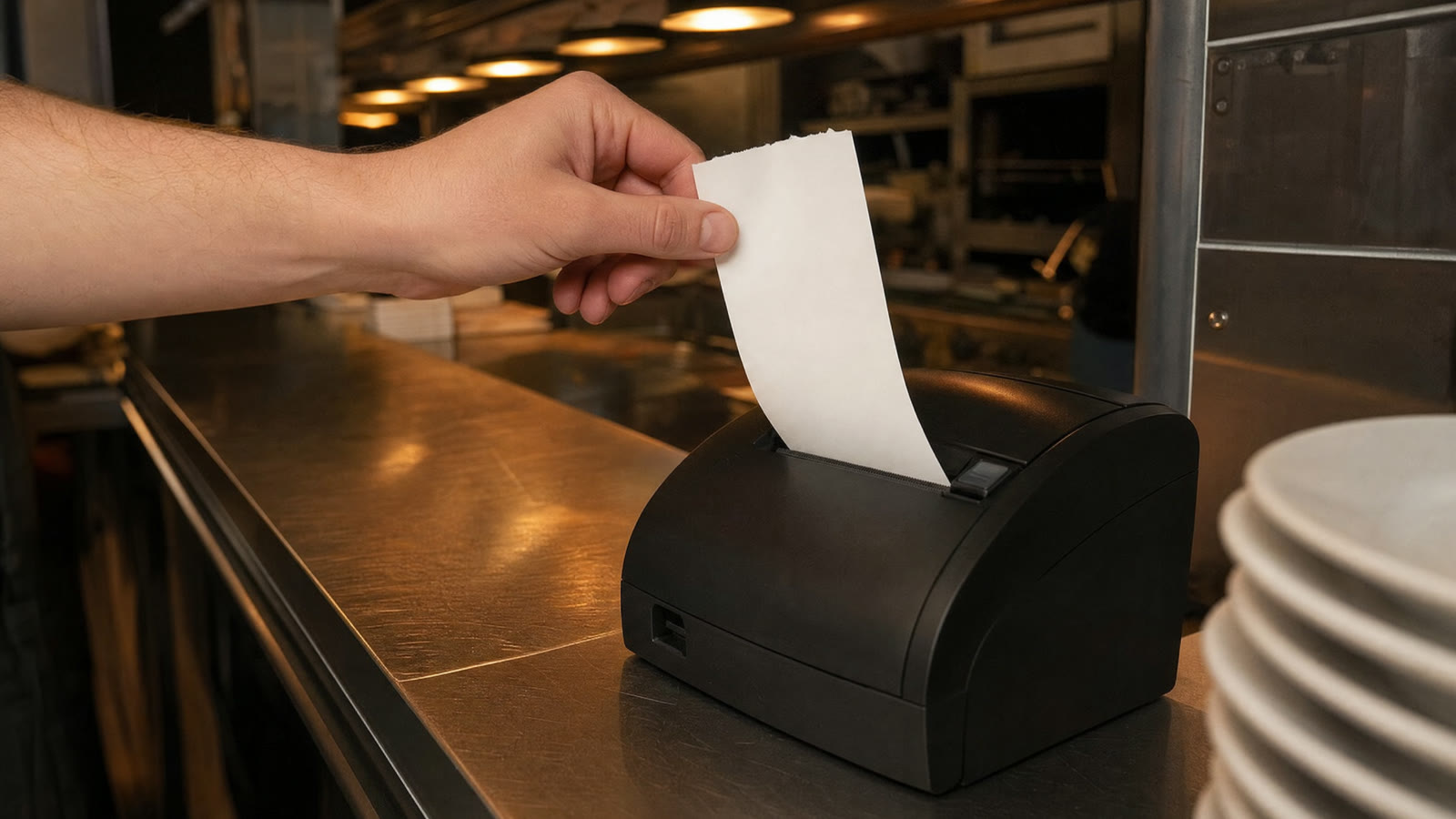
A receipt printer that feeds paper but prints nothing on it, or prints so faintly that nobody can read the order, is a paper problem far more often than a printer problem. Thermal printers have no ink. Understanding that one fact explains almost every blank or faded receipt.
How a thermal printer prints
The print head is a row of tiny heating elements. The paper is coated with a chemical layer that turns black where it gets hot. The head heats the right spots as the paper moves past, and the text appears. No ink, no toner, nothing to replace except the paper.
So a blank receipt means heat is not reaching coating. Either the coating is not there, it is facing the wrong way, or the head is not getting hot enough. Every cause below is one of those three.
Blank receipts: the roll is in backwards
This is the cause nine times out of ten. Thermal paper is coated on one side only. Load the roll the wrong way round and the head heats the plain side, which does nothing, while the printer feeds paper as if all is well.
The test takes five seconds. Scratch the paper firmly with a fingernail or a coin. The coated side goes grey or black along the scratch; the plain side stays white. The coated side has to face the print head. On most printers that means the paper comes off the roll from underneath and up past the head, but printers differ, so trust the scratch test and the diagram inside the lid, not a rule of thumb. Flip the roll, close the lid until it clicks, and feed a few centimetres.
Blank receipts: it is not thermal paper
Ordinary paper, the kind for impact or inkjet printers, has no coating and will never print in a thermal printer. It happens more than you would think when someone buys “till rolls” without checking. Thermal paper feels slightly glossy and smoother on the coated side, and the scratch test settles it.
Blank receipts: the lid is not fully closed
The print head presses against a rubber roller, and the paper runs between them. If the lid is not latched, the head sits a fraction of a millimetre off the paper and nothing transfers. Press the lid down until it clicks on both sides. New printers sometimes ship with a protective film or a card in the paper path; check that nothing is sitting between the paper and the head.
Faded or patchy printing: the battery is low
On a battery-powered Bluetooth printer, print darkness tracks battery voltage. As the battery runs down, the head gets less power, the receipts go grey, and eventually the printer stops feeding altogether. If the first receipts of the day are fine and the last ones are faint, this is the reason. Charge it, and keep it on the charger during service if it has the socket.
Faded printing: cheap or old paper
Not all thermal paper is equal. Thin, low-grade rolls need more heat to go black and look grey on a printer that prints dark on good paper. Paper that has been stored somewhere hot, in a sunny window or a delivery van, loses sensitivity before it is ever used. Buy a known brand, store rolls somewhere cool and dark, and try a fresh roll from a different box before blaming the printer.
Faded printing: the density setting
Most printers let you set print density or darkness, either through a utility on a computer, a sequence of button presses, or a setting printed on the self-test page. Turn it up a notch if receipts are consistently light. Turn it down if the paper is coming out with a grey background, which means the head is running hot enough to tint the whole surface.
Faded or streaky printing: a dirty head
Paper dust and the residue from the coating build up on the head over months. The symptom is faint printing all over, or a pale vertical stripe where the dirt sits. Switch the printer off, let it cool, open the lid, and wipe the head gently with a cotton bud dipped in isopropyl alcohol. Let it dry before closing the lid. Never scrape it with anything hard.
A sharp white vertical line that runs through every receipt and does not clean off is a dead heating element. The head has worn out, and on a cheap printer the honest answer is a new printer.
Fine at first, then fading mid-receipt
Long receipts with big black blocks, like a bold header or a logo, pull a lot of power at once. A tired battery or a weak power adapter sags under that load, the second half of the receipt prints lighter, and sometimes the printer pauses to cool. Charge it, use the adapter that came with it rather than a phone charger, and keep solid black areas on the ticket small.
The receipt faded a week later
Thermal print is not permanent. Heat, sunlight, plastic sleeves and hand sanitiser all turn a receipt grey or black over time. A till roll kept in a hot kitchen can be unreadable within weeks. If a receipt matters later, for a dispute or for the books, photograph it the day it prints. The order itself is still in the mailbox the app read it from, which is a better record than any paper.
When nothing prints and the paper does not feed either
That is not a paper problem. The job never reached the printer. This guide covers the ways a printer goes quiet: a lost network address, a dropped Bluetooth pairing, a phone that closed the app to save battery. And if you are on Bluetooth, the pairing guide walks through the connection step by step.
A quick way to separate the two: run the printer’s self-test, usually by holding the feed button while switching it on. If the self-test prints clearly, the printer and paper are fine and the problem is upstream. If the self-test is blank or faint, it is one of the causes above.
OrderPrint prints a test page from the setup screen for exactly this reason. Thirty seconds at the start of service tells you whether the next order will arrive on paper, before it matters.