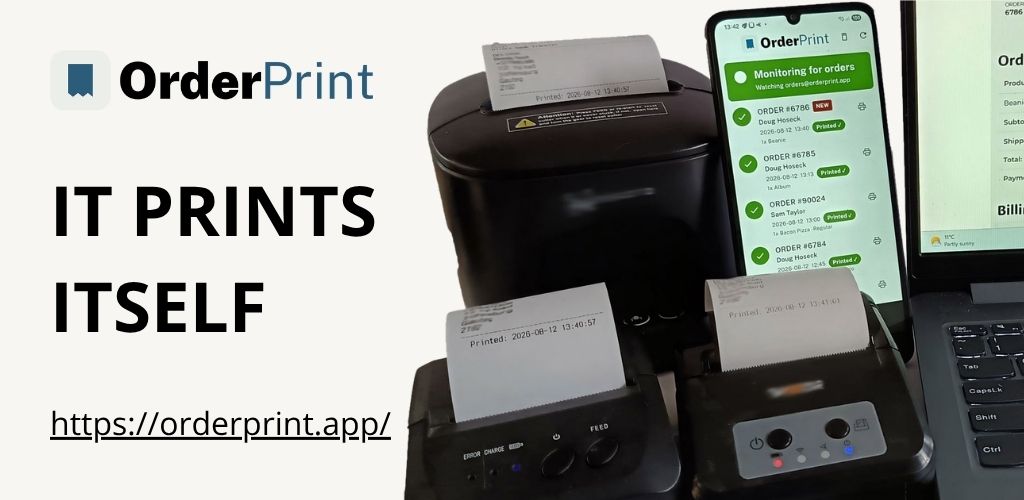
Look at the bottom of one of our tickets and you will find two times, one under the other:
Placed:  19 Aug 2026, 13:31:10
Printed: 19 Aug 2026, 13:31:43
Most receipts show one time. We print two, and the gap between them is the most useful diagnostic in the whole system — precisely because nobody has to be told what it means.
They are answering different questions
Placed is when your customer pressed the button. It comes from the order email itself, so it is your shop’s own record of the moment the sale happened.
Printed is when the paper came out. That is our part.
Most of the time they are seconds apart and the two lines are simply reassuring. When they are not, something between the customer and your counter is slow, and you find out by reading a ticket you were already holding.
Why there is any gap at all
Roughly thirty seconds is normal for us, and it is worth explaining rather than hiding.
Our app checks the mailbox every thirty seconds. It does not sit waiting to be notified about new mail — it asks, repeatedly. So an order arrives somewhere within that window, and the ticket follows.
We could have used the push method instead. It is more elegant and uses less battery. We deliberately did not, for one reason: a push connection that has quietly died looks exactly like a push connection on which nothing has happened. On a shop phone, overnight, behind a router that drops idle connections, that failure mode means the app appears perfectly healthy and prints nothing. A thirty-second check cannot fail that way — either it completes, or it visibly errors.
So the honest description is not “instant”. It is “never more than about half a minute behind, and you can see exactly how far behind on every ticket”.
What a big gap actually tells you
The two lines narrow the problem down without any technical knowledge.
A gap of minutes usually means the email took a while to arrive. Order confirmations are ordinary email and they queue like ordinary email, particularly on free mail providers at busy times. Nothing in the shop is broken.
A gap of hours means the phone was not working while the order was waiting — out of battery, off the network, or the app was closed by the phone’s battery manager. The order printed as soon as things recovered, which is correct behaviour, but it is worth knowing it happened.
Times that match, all evening means the whole chain is healthy. That is the common case, and it is quietly worth something.
Why print it rather than put it in the app
We could have put this on a status screen. Almost everything else is on the status screen.
But the person who benefits from this information is not the person who opens the app. It is whoever is standing at the pass, tearing tickets off a printer, hundreds of times a week. They develop a feel for what normal looks like — and a person with a feel for normal spots abnormal instantly, without being trained, without checking anything, and without being told what to look for.
Put the diagnostic on the paper and the paper does the work.
The reprint case, which is where this gets subtle
Reprint an order an hour later and you might expect both times to update. They do not, and the reason matters.
Placed stays exactly as it was. It is a fact about the customer’s order and it never changes.
Printed shows when this piece of paper came out, not when the original did.
So a reprinted ticket honestly shows a large gap, because that is the truth: this paper is an hour old relative to the order. If we had frozen both times, a reprint would be indistinguishable from a fresh ticket, and the one thing a ticket must never do is lie about when it was produced.
This is also why the placed time is stored with the order rather than worked out at printing time. An early version of ours re-derived it, which meant a reprint quietly stamped today’s date on a three-day-old order. Correct-looking, entirely wrong.
Two lines, no training
The whole feature is two lines of text. It adds nothing to the workflow, needs no explanation to staff, and turns a receipt into something that reports on the health of the system that produced it.
If you already print order tickets some other way, it is worth asking whether you could add the same thing. The value is not in our implementation — it is in the idea that the artefact people already handle should tell them whether the machinery is behaving.
OrderPrint prints both times on every ticket. It watches the mailbox your order emails arrive in and prints each new order to a thermal receipt printer, on any Android phone, with no computer and no cloud printing service. The first 100 orders a month are free.